Palworld Server Hosting


Top-Notch Palworld Game Server Rentals

8 Slots

$19.86   /MO
ex. VAT
  • 8 Slots

16 Slots

$19.86   /MO
ex. VAT
  • 16 Slots

32 Slots

$19.86   /MO
ex. VAT
  • 32 Slots

Custom

FROM

$1.49  

/Slot /MO
ex. VAT
  • 8 - 32 Slots

Discover Palworld Server Hosting


Update v0.6.2 "Tides of Terraria" (July 10, 2025) brings cross-game content with Terraria, fixes for PS5 save issues, disappearing Pals, and Xbox stability improvements! Order your own Palworld Server today.

Embark on an unparalleled journey in Palworld, a game where survival, exploration, and creature management blend seamlessly in a mystical world inhabited by creatures known as Pals. Our high-performance game servers ensure an exceptional gaming experience, characterized by high-speed and low-latency, enabling players to fully immerse themselves in the vibrant world of Palworld.

Players face a world where resources are scarce, and danger is omnipresent, with threats ranging from natural hazards to relentless poachers. Every decision, whether it's utilizing Pals in combat or for labour, becomes a matter of survival.

Exploration is revolutionised, with Pals serving as versatile mounts. Traverse diverse environments from dense forests to sprawling oceans and the open skies. Our Palworld server hosting facilitates a seamless exploration experience, making every journey an adventure without bounds.

Palworld redefines building and construction, allowing players to create structures ranging from simple shelters to complex edifices, using Pals as labour. This dynamic adds a fascinating twist to the game's construction and resource management aspects.

The game's farming and production systems offer players the opportunity to delve into agriculture and industrial activities. Using Pals for tasks like planting, harvesting, and mining, these systems are enhanced by our powerful Palworld server hosting and capability to support complex and community-oriented gameplay.

Adventurous players can explore dungeons with their Pals, encountering challenges and strategic decisions that could affect their survival. Additionally, the breeding system on a Palworld game server adds depth to creature management, as Pals inherit traits from their parents.

For those seeking thrills, Palworld servers include elements of poaching and crime. Players can venture into wildlife sanctuaries to capture rare Pals, introducing an element of risk and reward. Our powerful game servers and low-latency network are equipped to handle these high-stakes scenarios, providing a stable and secure platform for all playstyles.

The game is continuously evolving, with future updates promising PvP and expanded server functionalities, enhancing the multiplayer experience.


Stay updated on Palworld server hosting news by following us on our Twitter or Facebook page!


For more information about Palworld checkout the Steam Page.


  • TCAdmin control panel
  • Full FTP file access
  • Backup & Restore functionality
  • Easy to use Configuration Editor
  • Custom command lines
  • Easy one-click updater
  • 4 Ghz+ processor with NVME SSD storage
DDoS Protection

DDoS Protection

All our hosting comes with automated protection from attackers, so that your servers are never effected.


Instant setup

Instant setup

The very second we receive payment for your order your services are up and ready for you to start using them!

Mod Support

Mod Support

You can enable mods on all of our game servers, just follow one of our easy guides and they're good to go!

Fast servers

Fast servers

We use only the best hardware for our game hosting, utilizing powerful processors, gigabit uplinks and SSD storage.

Awesome Support

Awesome Support

Fast and friendly support team, here anytime you need help from us. Contact support.

TCAdmin Control Panel

TCAdmin Control Panel

Our game servers are powered by TCAdmin which gives you a fast and easy to use experience!

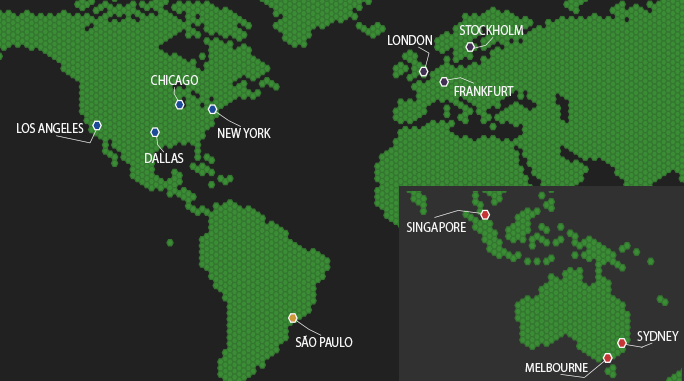
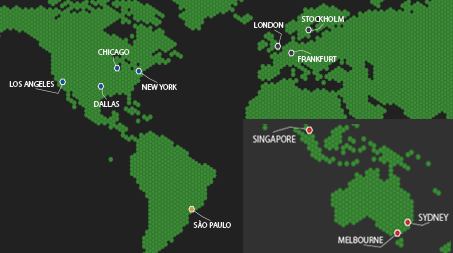
Our Server Locations

Choose a server location that is closest to your target audience for optimal performance.
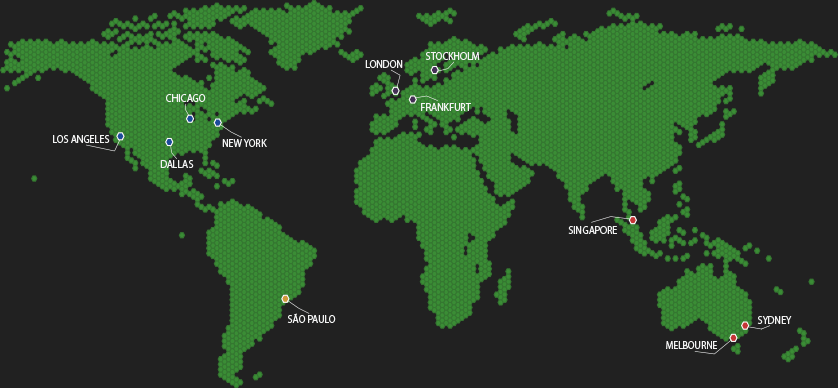

Our Server LocationsOur Server LocationsOur Server Locations

Latest Blog Posts

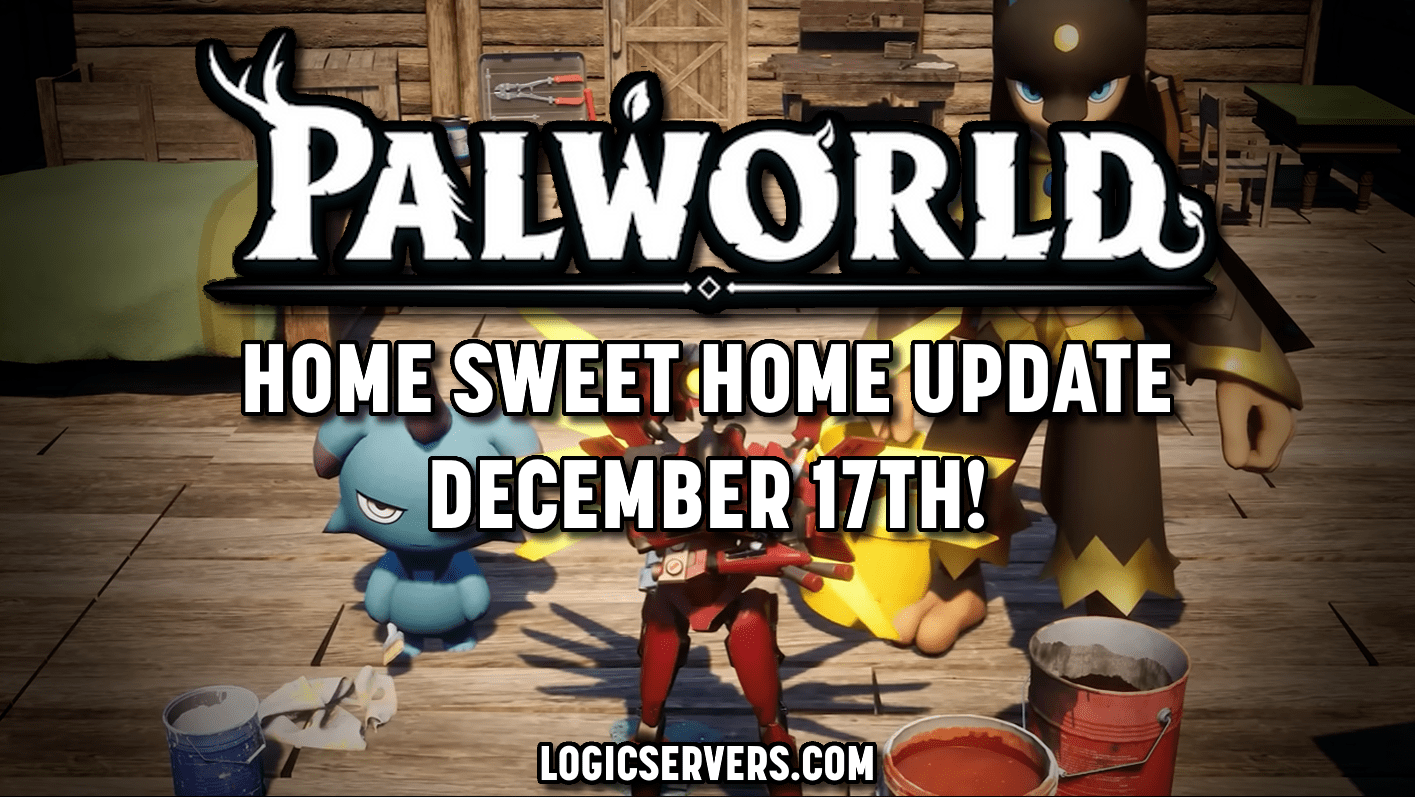
Palworld Home Sweet Home update

14th Dec 2025

Palworld Home Sweet Home update - ULTRAKILL collab, colour tools, 1.0 tease

In this blog, we'll be exploring the new Palworld update upcoming on the 17th of December this year, titled "Home Sweet Home". Many new...

Palworld Update v0.2.0.6: Unleashing Raid Boss "Bellanoir" and Expanding Gameplay

5th Apr 2024

Palworld Unleashes Raid Boss Bellanoir!! - Update v0.2.0.6

The brand new Palworld update has been released! Version 0.2.0.6 is now available with tons of new features, improvements, and exciting new content including...

Palworld game servers coming soon!

19th Jan 2024

Palworld Server Hosting - Now Available!

We are excited to announce the launch of new dedicated Palworld game servers, enhancing the multiplayer gaming experience for this innovative blend of monster...

Palworld Hosting FAQ

Answers for Palworld servers covering community setup, settings, saves, updates, admin and backups.


Enable the community server option and set the correct settings in your config, then restart. For more information check our Knowledgebase article: How to make your Palworld Server a Community Server.
Edit your Palworld config to adjust rates, difficulty and server rules, then restart to apply. For more information check our Knowledgebase article: How to change settings on your Palworld Server.
Yes. Upload the save files to the correct folder using FTP or File Manager, then restart. For more information check our Knowledgebase article: How to upload a save to your Palworld Server.
Use Backup Server from the control panel, especially before updates and migrations. For more information check our Knowledgebase article: How to Backup your Palworld Server.
Stop the server, restore the backup from the panel, then start it again. For more information check our Knowledgebase article: How to Restore a Backup to your Palworld Server.
Run Steam Update from the control panel, then restart. Take a backup first so you can roll back if needed. For more information check our Knowledgebase article: How to Update your Palworld Server.
Use the supported admin tools and ban methods, then restart if required for the change to apply. For more information check our Knowledgebase article: How to ban players on your Palworld Server.
Set your server password in the config and restart so it takes effect. For more information check our Knowledgebase article: How to add a server password to your Palworld Server.